

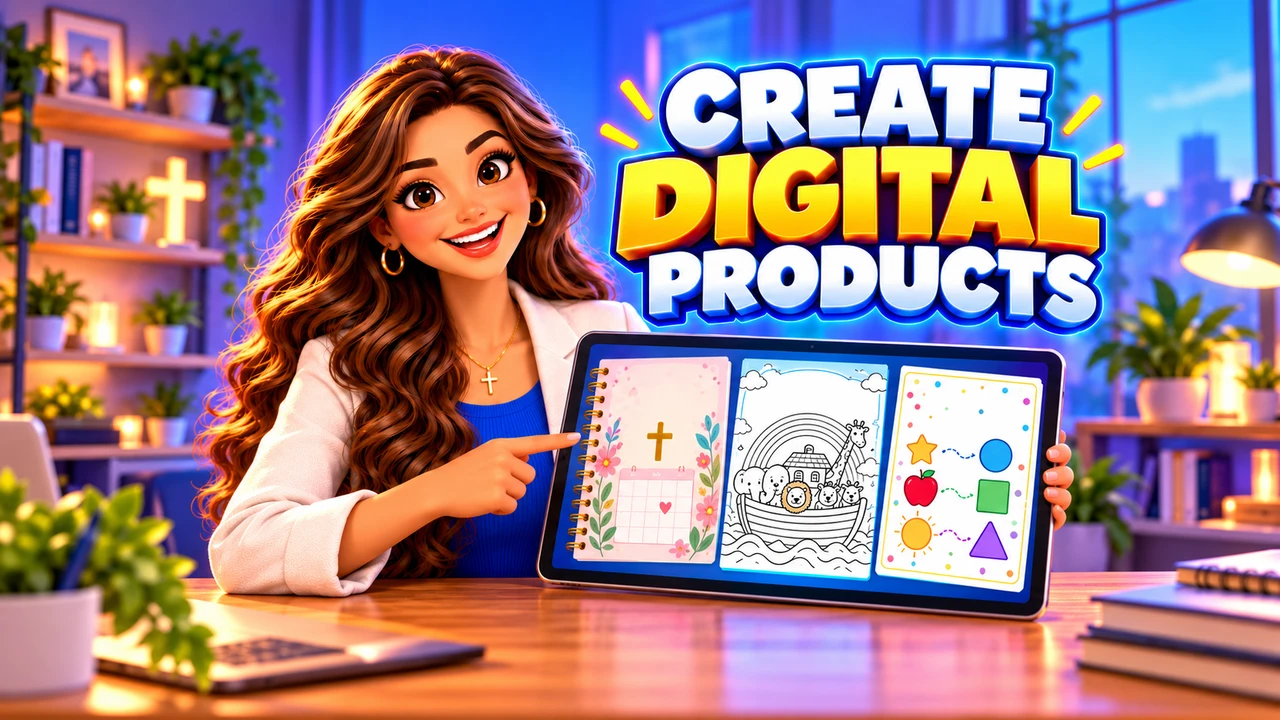
Learning how to create Christian digital products starts with one useful outcome. A beautiful cover cannot rescue a confusing workbook. Build something a reader can actually use: a prayer journal, a family discussion guide, or a Bible reading tracker.
This guide follows the production process from a blank page to a tested PDF. For the separate selling stage, see our guide to selling Christian digital products online.
1. Choose one reader and one practical outcome
Replace “a devotional for everyone” with a specific brief: “a seven-day prayer journal for busy parents who want a ten-minute evening routine.” Ask three potential readers what makes their current routine difficult. Listen for missing instructions, limited time, or insufficient writing space.
Write your promise in one sentence: “After using this resource, the reader will have completed seven guided reflections.” Promise an activity you can support, not guaranteed spiritual growth or financial success.
2. Create Christian digital products with a page plan
For a first project, try this original 12-page journal structure:
- Page 1: cover with the title and intended reader.
- Page 2: instructions, printing guidance, and usage terms.
- Pages 3–9: seven daily reflections.
- Page 10: a weekly review.
- Page 11: a reusable prayer list.
- Page 12: sources, permissions, and author information.
Give each daily page the same sequence: Scripture reference, short reflection, one question, one action, and writing space. Predictable navigation helps readers concentrate on the material.
3. Write original content and check Scripture
Draft the words before decorating the pages. A sample prompt could be: “What conversation needs more patience today, and what practical step could you take?” Label your own reflections clearly; never present invented wording as a Bible quotation.
Read passages in context and check every reference against the named translation. Ask a trusted, knowledgeable reviewer to examine theological claims. If AI helps brainstorm or edit, verify its output and rewrite generic passages with your own examples.
Check translation permissions before reproducing verses. Crossway’s ESV permissions distinguish several uses, including digital publications and artwork or stationery; planners are among the uses listed as requiring written permission. Do not assume a short quotation automatically clears a commercial product. Keep a record of permissions for fonts, illustrations, and other assets too.
4. Design for reading and printing
Use a page-layout tool you can edit comfortably. Start with a restrained template: one heading font, one body font, dark text, and generous white space. Avoid placing instructions over decorative backgrounds.
If readers will print the journal, consider separate A4 and US Letter versions. Reflow each version rather than merely stretching it. Leave comfortable margins and enough room for handwriting. Include a low-ink version if large colored areas are optional.
Use real text rather than screenshots of paragraphs. Add descriptive headings and meaningful link labels. Check reading order and accessibility options supported by your chosen PDF exporter.
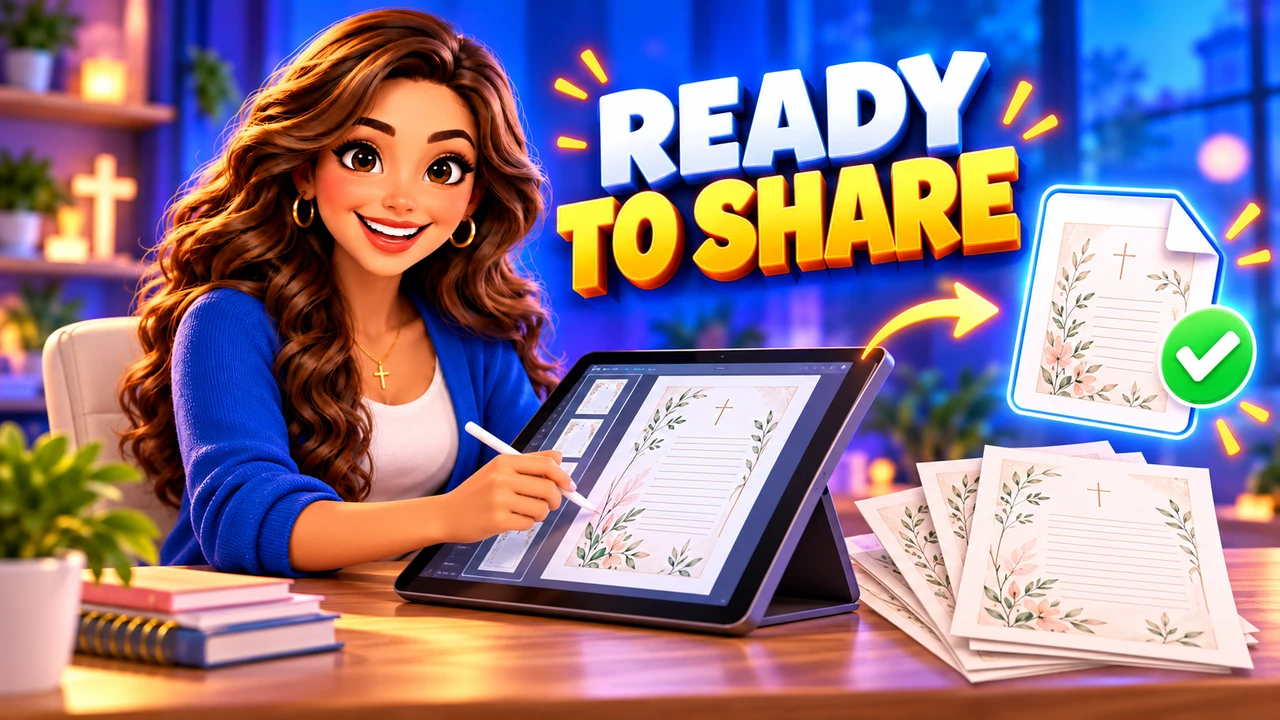
5. Export and test the finished PDF
Keep an editable master, then export a PDF suited to its intended use. A screen-focused copy and a print-focused copy may need different settings. Follow a printer’s specifications when preparing a commercial print file.
- Open the exported file on a phone and a computer.
- Check every page for clipped text, missing characters, and unexpected blank pages.
- Click every link and confirm its destination.
- Print a representative page at actual size and test the writing space.
- Ask a new reader to complete one exercise without help.
A PDF with blank lines is not automatically a fillable form. If you promise typed responses, add form fields and test saving completed answers.
6. Package a clear handoff
Name files descriptively, such as seven-day-prayer-journal-a4-v1.pdf. Include a short readme explaining paper sizes, printing, permitted use, and support. State whether the license covers one household or a group.
When preparing your product page, use our landing page design guide to organize previews and explain exactly what buyers receive.
Frequently asked questions
How long should a first Christian PDF be?
Long enough to deliver its promised outcome. A focused, tested 12-page journal can be more useful than a padded ebook.
What should I create first?
Choose the smallest resource you can test with real readers. Finish one helpful PDF, collect feedback, and improve it before expanding your collection.
[…] production steps, use our guide to creating Christian digital products from idea to finished PDF. This article helps you choose what to make; that guide explains how to build the […]